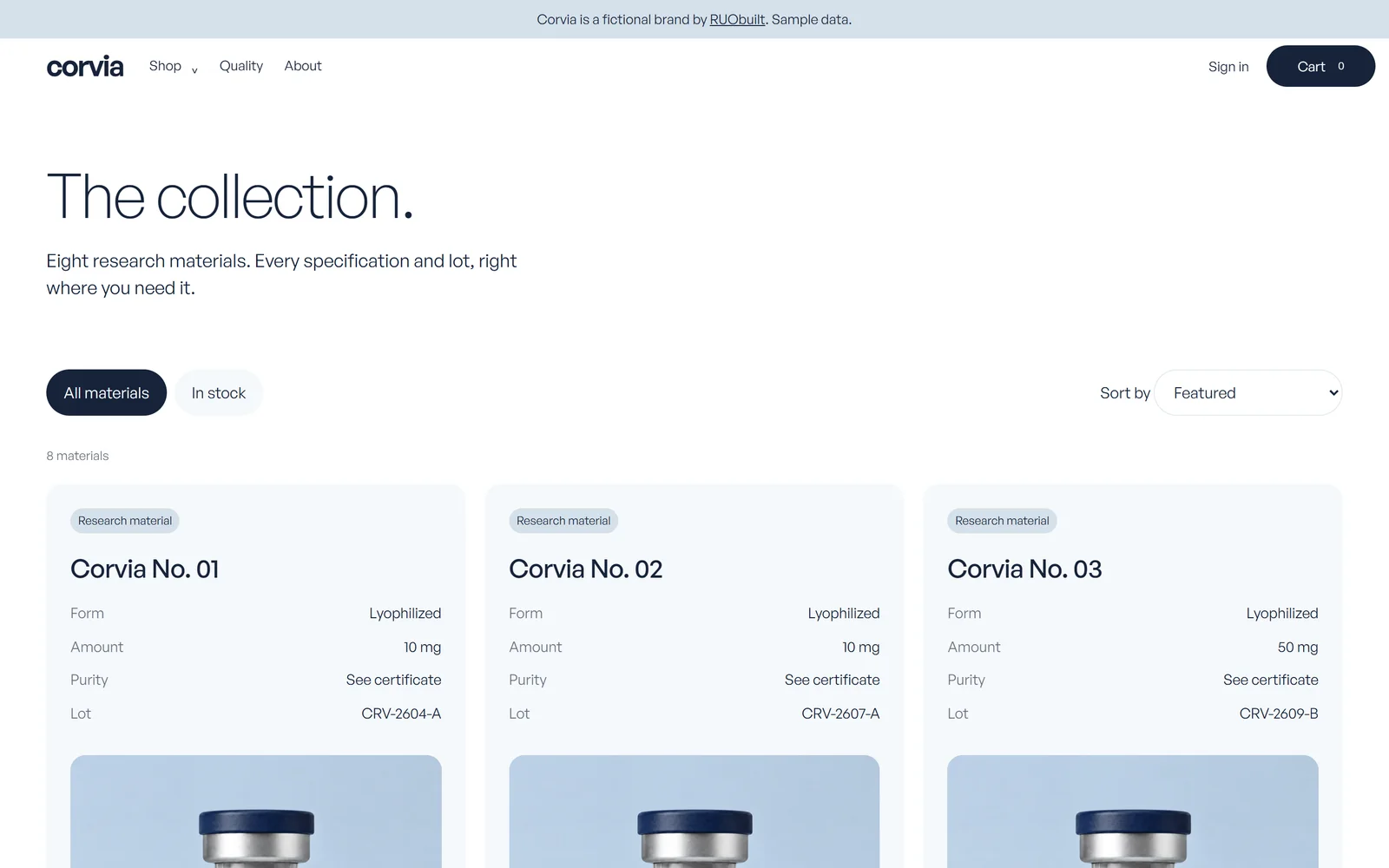
Can they tell whose store this is?
Your home page should show your brand name and a clear way into your catalog. Check it with the menu closed, as someone on a phone first sees it.
Look for an old logo in the footer or a heading left over from setup. These are easy to miss when you spend most of your time in the admin.
- Use the same brand name in the header and footer.
- Make the catalog link easy to find.
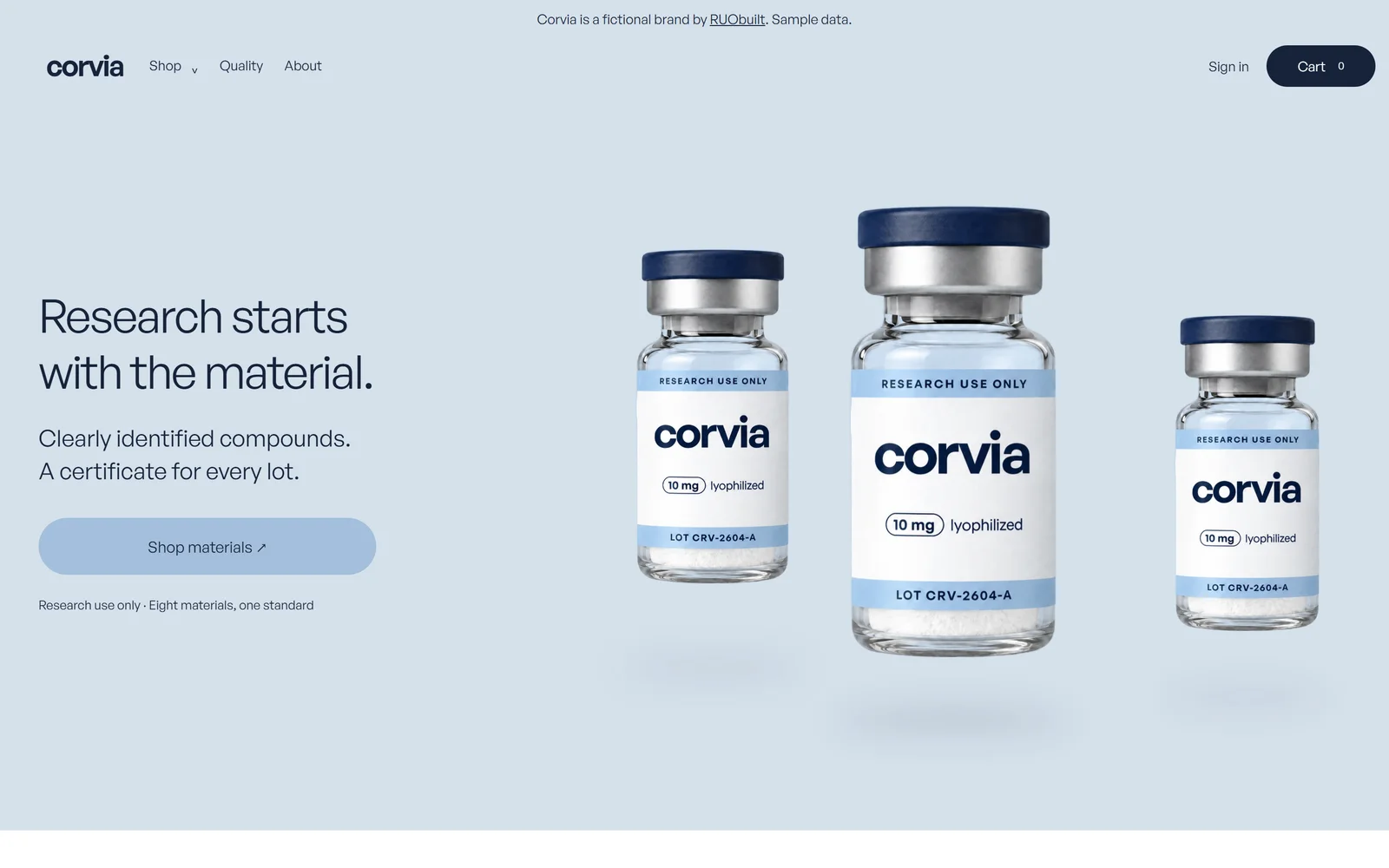
Can they compare your listings?
Your catalog should show names and sizes in a repeatable layout. Check neighboring cards for different image crops or missing details.
Open every filter you offer. A filter that hides the wrong items makes the catalog harder to use, even when the cards look tidy.
- Use matching image backgrounds and crops.
- Keep names and size labels readable.
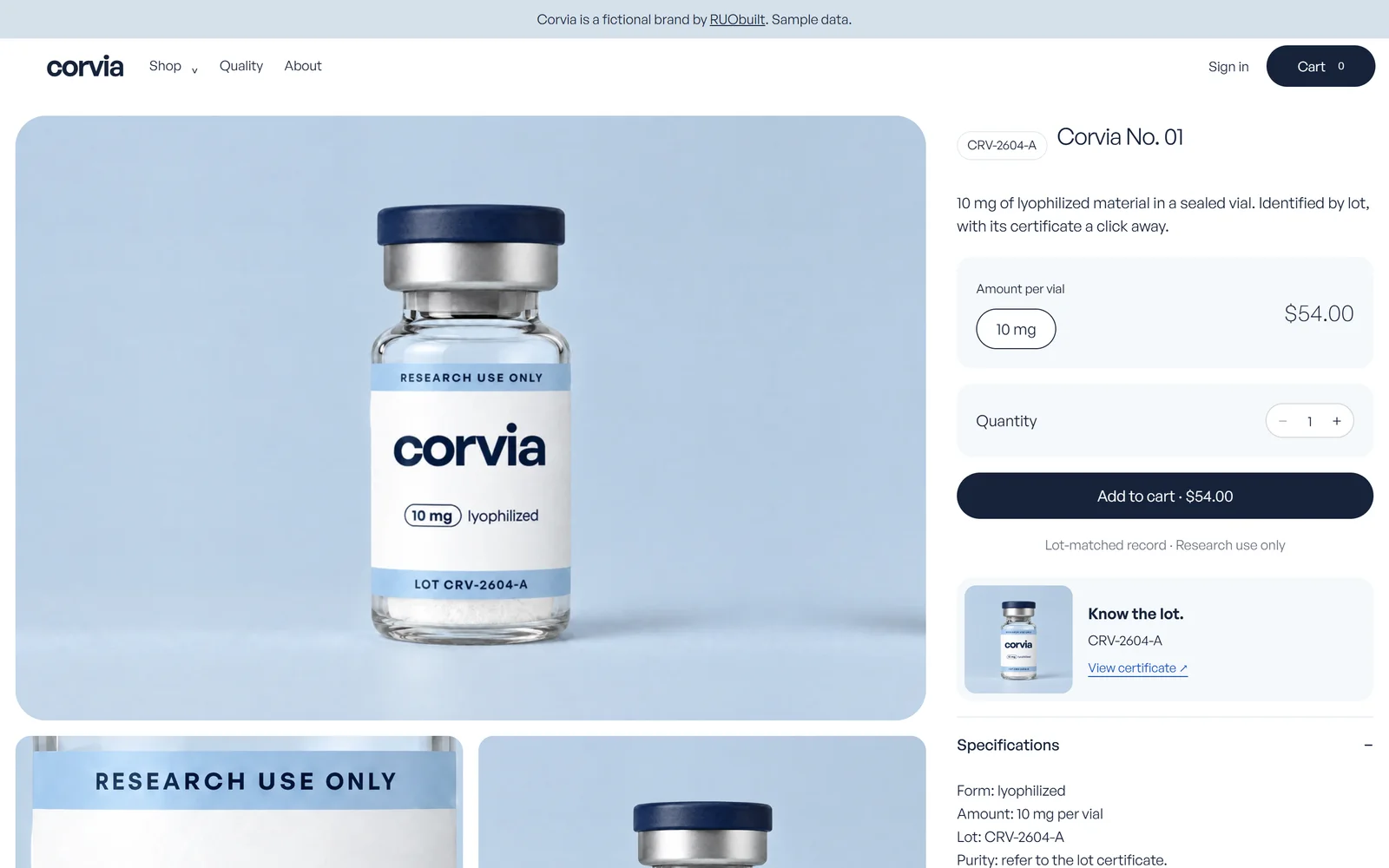
Does the product page match the label?
Your heading and selected size should agree with the photograph. Choose another option and check the displayed price before adding it to the cart.
Read the description for claims about health or the body. Keep those out, including wording inside image graphics.
- Match the heading to the image label.
- Keep research-use wording visible.
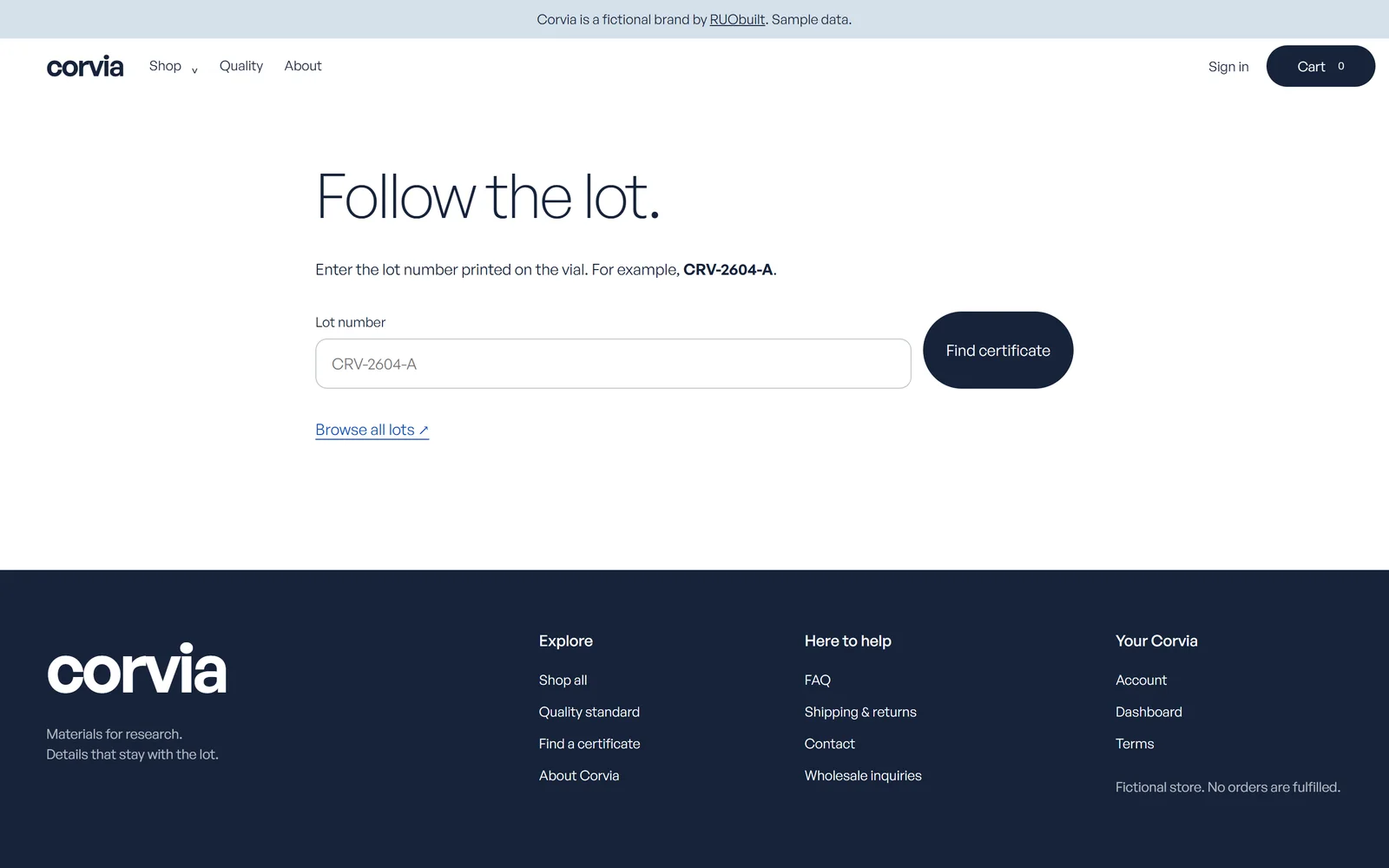
Can they open the right lot document?
Your certificate link should open the record for the lot shown on the product page. Compare the identifiers yourself rather than stopping at a working link.
Try a lot number that doesn't exist. The lookup should say no record was found and give someone a way to contact you.
- Link to the actual supplied record.
- Never substitute a sample for a missing record.
Does the cart keep their choices?
Your cart should keep the product and size someone selected. Change the quantity, then check the order summary and the route back to shopping.
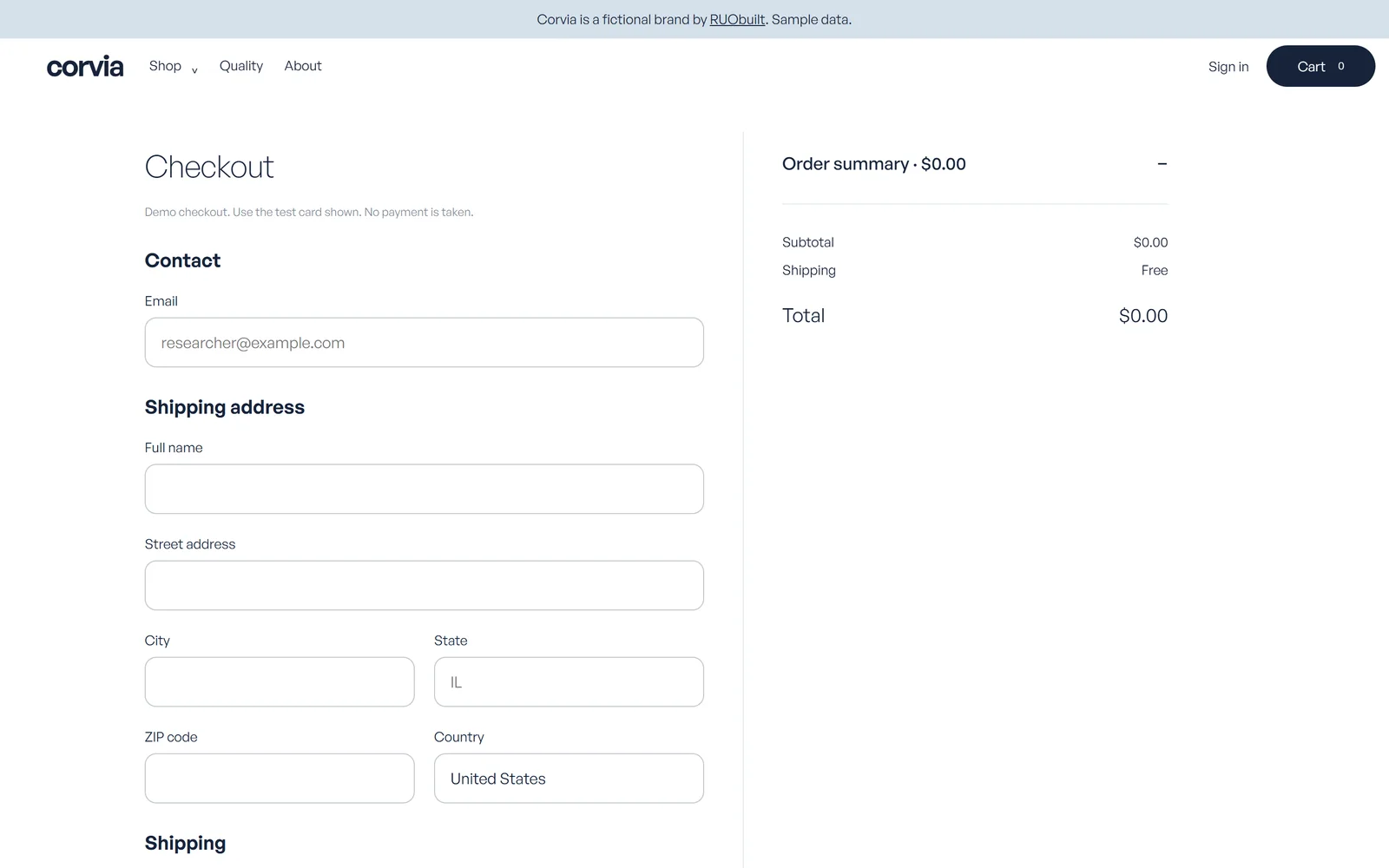
At checkout, read each field label and try leaving a required field empty. RUObuilt makes no guarantee of processor approval or uninterrupted processing.
- Explain errors beside the affected field.
- Keep shipping and returns links within reach.
Can they reach you and read your terms?
Your contact page should give someone a working way to reach you. Send a test message and check that it arrives in the right inbox.
Read your shipping and returns pages on a phone. Fix broken links and any summary that disagrees with the full policy.
Does the account area feel finished?
Your account pages should use the same store name and labels as the public pages. Sign in with a test account and check the order-history screen.
Try the password-reset link too. Read the empty state before there are any orders, so you catch placeholder copy that your usual account hides.
What else might you want to know?
Here are the other questions to settle before you change your store.
Does passing this checklist prove my store is trustworthy?
No. You still need accurate records and to follow your own policies.
Where do I start?
Choose one product and follow its links on your phone. Keep a list of the pages that need work.
Can I show a sample certificate while I wait?
Don't present sample data as a real product record. Get the actual document for the lot.
Should I check pages people rarely open?
Yes. A broken contact form still matters, even if your home page looks finished.
What does a finished build look like?
You can open the Meridian fictional demo store and Corvia fictional demo store to see our work, both shown with sample data. Your build follows the agreed scope and the information you supply.
Full brand identity is a separate scope, included in Flagship. We make no guarantee of compliance or any business outcome.
Your store and everything specific to it: the custom code, the design, the product images, the content, and the database, assigned to you once final payment clears. The repository, deployment project, database and email accounts transfer into accounts you own and control.
The reusable platform components underneath, the ones we build every store on, stay ours. You get a perpetual, royalty-free licence to use them inside your store, for your own business, forever. The only thing you can't do is resell them or use them to build stores for other people.
Third-party components keep their own licenses; the agreement's rights revert if a payment is reversed. There's no recurring licence fee, and you pay your own providers after handoff. Included services end on fixed dates; paid add-ons are separate and opt-in.